
Commercial administration
Accounting & Billing
Review the organisation's subscription, invoices, payments, billing events and payment methods within your permitted billing scope.
Requires a billing read permission AND billing administration
Billing visibility is intentionally restricted
Finance and billing information is not shown to every InspectAssets user. If Accounting is absent from your navigation, ask a tenant administrator whether your role should have billing access rather than requesting a general role upgrade.
Who can open Accounting
For a tenant user, the web workspace requires both a billing read permission (view_billing, view_payments or view_invoices) and billing administration (manage_tenant_settings or view_all_billing). A verified platform administrator has a separate platform context. An invoice/payment read permission alone does not open the tenant accounting workspace.
The role title Manager does not grant billing administration. A manager whose account lacks these permissions should not see Account or Cancel subscription in mobile. Reading an invoice is not permission to change or cancel a subscription; the API separately authorises commercial actions.
On mobile, More → Account additionally requires view_billing. Payment methods and invoice detail have their own read checks; cancellation requires cancel_subscription and is not offered on iOS. See the Mobile Field Guide.
Accounting workspace
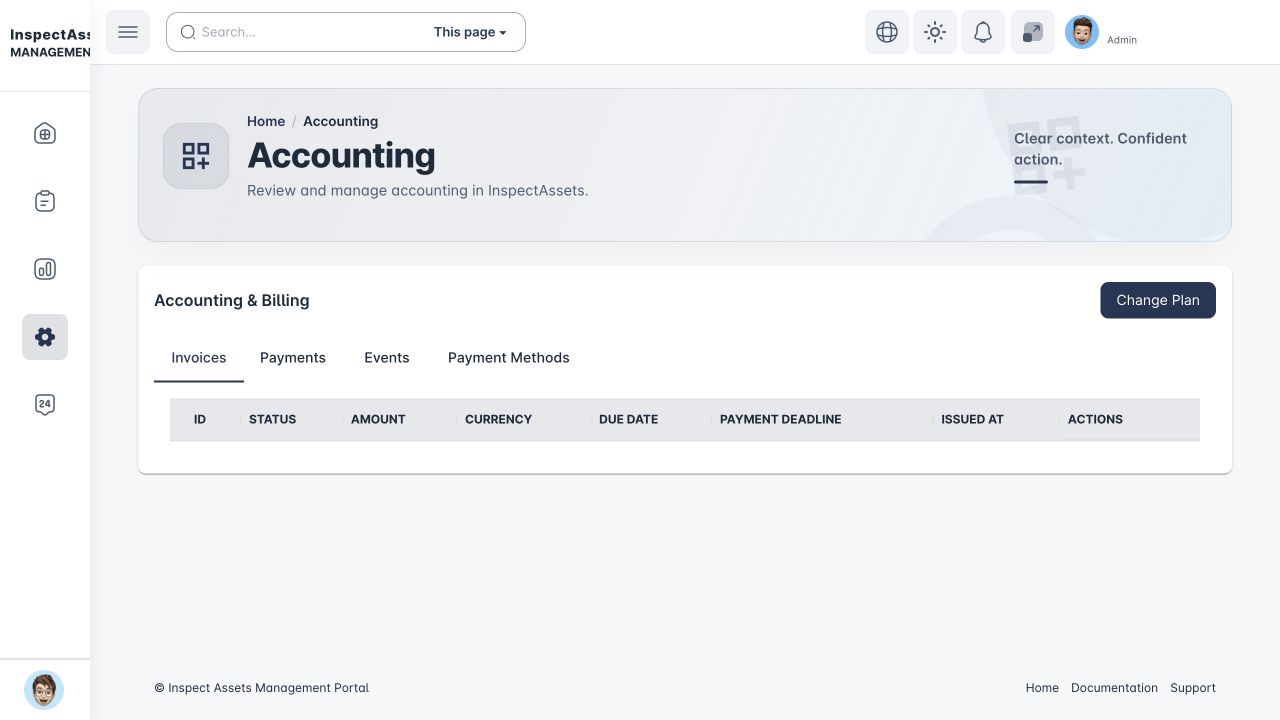
The accounting area can include tabs for Invoices, Payments, Events and Payment Methods. Available subscription actions can include plan changes, cancellation/downgrade and renewal depending on the tenant's commercial state and permissions.
Subscription and plan
The active subscription is the tenant-level entitlement boundary for plan-controlled capabilities. If a feature reports that it is not enabled, confirm the role permission first, then check whether the organisation's subscription includes the capability.
In multi-legal-entity organisations, Subscription Allocation documents payer/legal-entity coverage, but the tenant subscription remains the runtime feature entitlement.
Invoices
Invoice views can show amount, currency, dates, payment state and configured tax information. Tax/treatment can be resolved from the payer/billing configuration rather than simply from the physical country of a site, which is why the legal-entity and billing-account structure matters.
Use the invoice detail/available delivery controls rather than recreating billing information manually from a dashboard summary.
Payments and events
Payments show financial transactions associated with the tenant. Events provide billing-process history useful when reconciling a failed, pending or changed payment state. A payment-provider failure may require another supported method or support intervention; it should not be treated as an application permission problem.
Payment methods
Available payment methods depend on the organisation and configured provider. Add or update only approved company payment details and follow your organisation's procurement controls.
Billing accounts and tax profiles
The commercial structure itself is maintained under Organization Settings by appropriately authorised users. Billing accounts define who pays; tax profiles define configured treatment. See Organisation, Legal Entities & Billing.
Tenant accounting vs platform billing administration
This page describes the customer/tenant accounting view. InspectAssets platform administrators have additional cross-tenant billing and recovery tools; those controls are not available merely because a tenant user can view invoices.